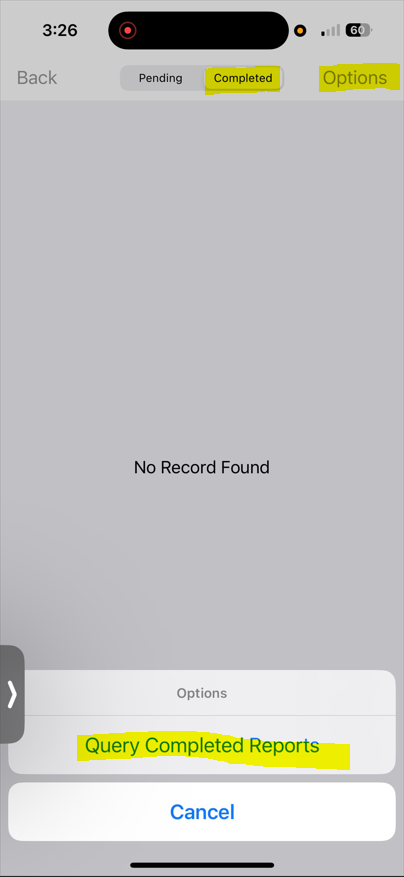
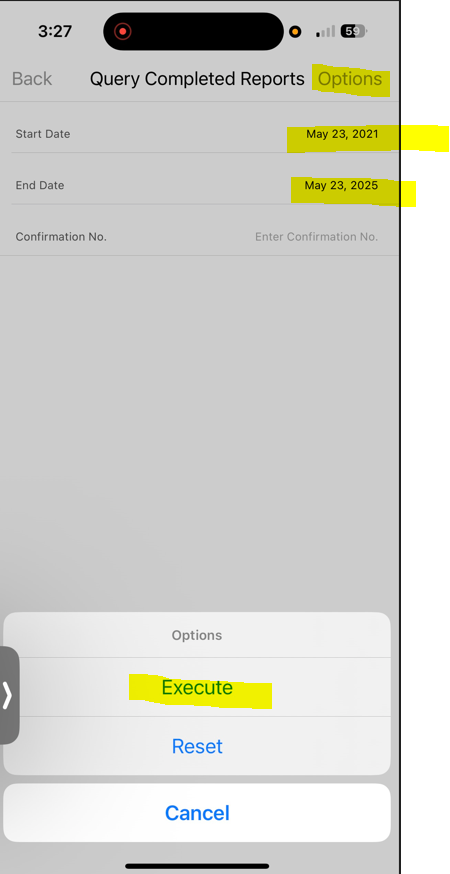
To view the historical data (old submitted expense reports) on the phone app. On the phone app, go to Expense Reports => Completed tab => Options => Query Completed Reports => Enter the date range or confirmation number and go to Options and click Execute - Refer to the sample screenshots below.